

Expenses in seconds
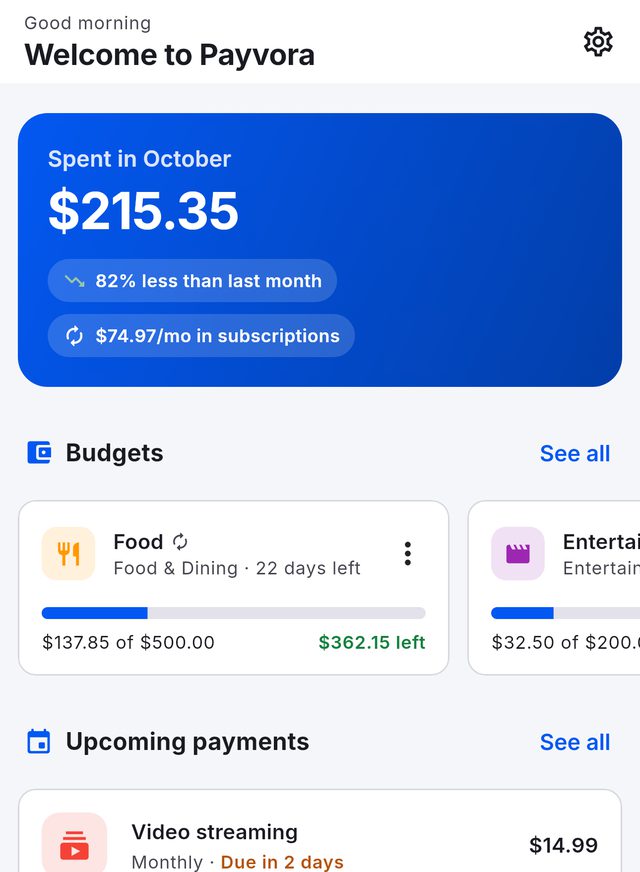
Add what you paid and pick a category. The home screen compares this month's spending with last month's.
 From the makers of Payverly
Payvora is a free personal finance app for iPhone, iPad and Android. Log expenses in seconds, see every subscription before it renews, and set budgets that start over on their own — signed in with your Payverly account, or as a guest.


Your expenses, budgets and to-dos stay on your phone.
Six tools for the money going out — from a coffee to the yearly insurance renewal.
Add what you paid and pick a category. The home screen compares this month's spending with last month's.
Streaming, gym, phone and bills in one list, with what is due next and what they cost you per month.
Set a limit for a week, a month or any period — one category or everything. Repeat it weekly, monthly or yearly; subscription payments count too.
Spending by category and over time, with your daily average and top category for any period.
Loan and savings calculators, and a currency converter using the European Central Bank's daily reference rates.
Money to-dos with due dates and priorities — and a CSV export of everything, ready for a spreadsheet.
Home, expenses, subscriptions, budgets, reports and tools — with sample data.
HomeThis month, at a glance
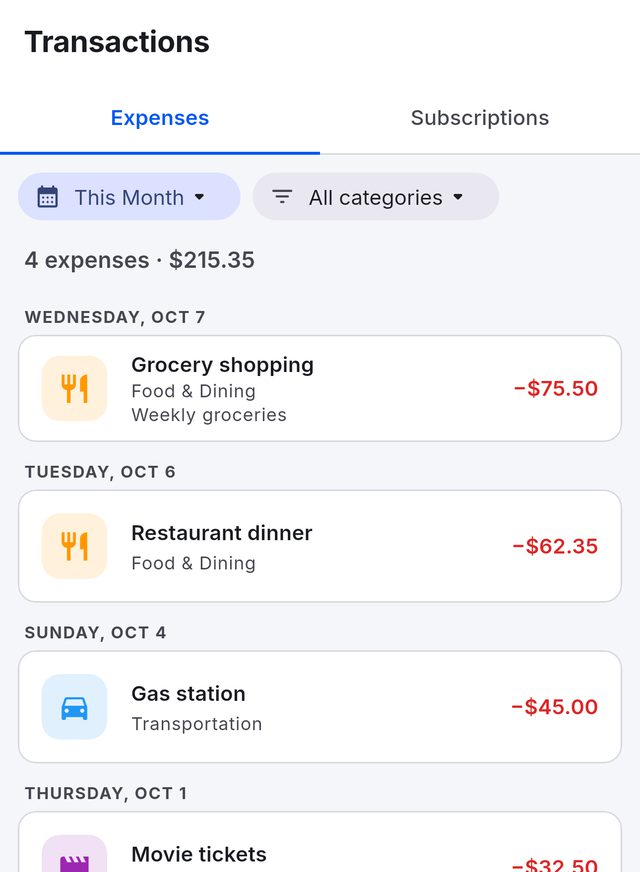
ExpensesGrouped by day, filtered by category
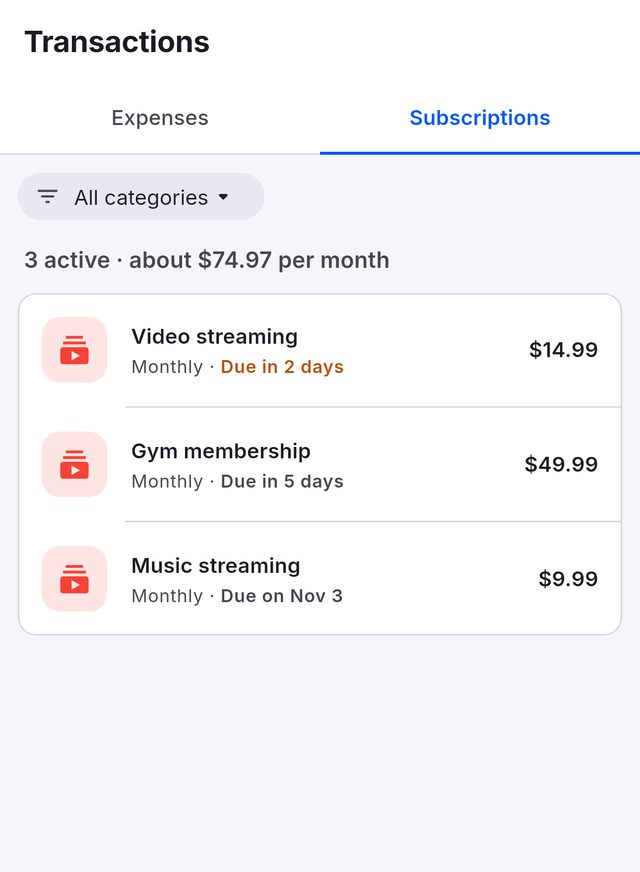
SubscriptionsWhat is due next, and what it costs
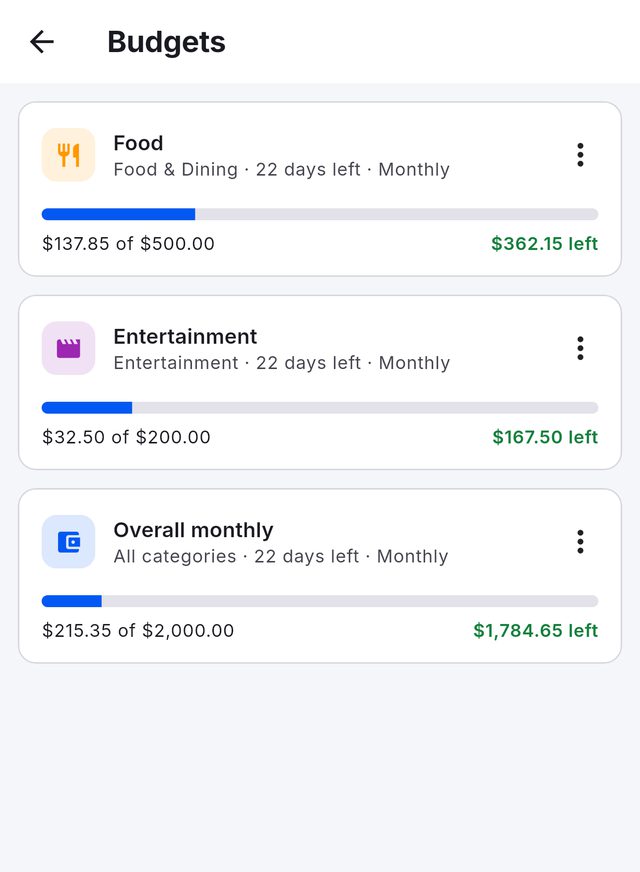
BudgetsPer category or overall, repeating
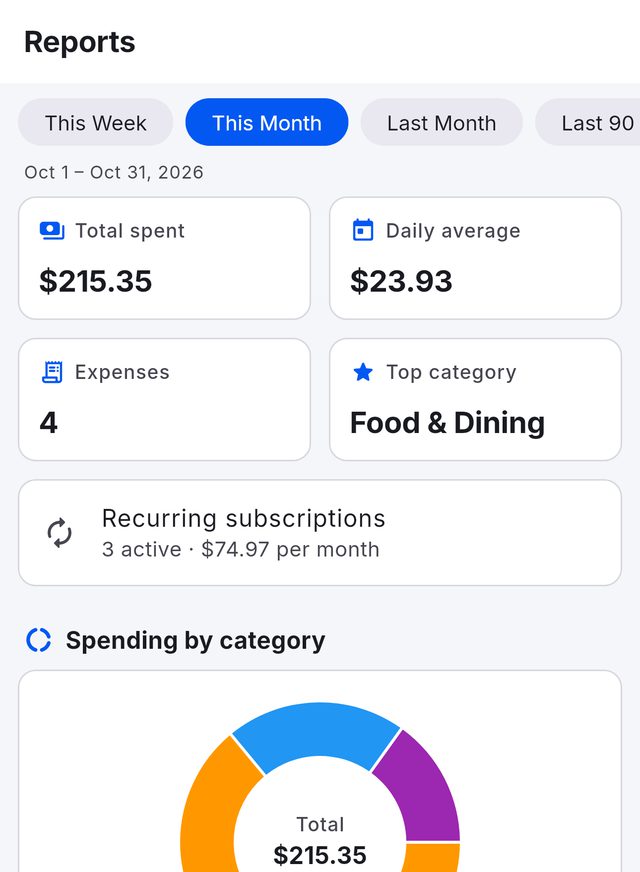
ReportsWhere the month went
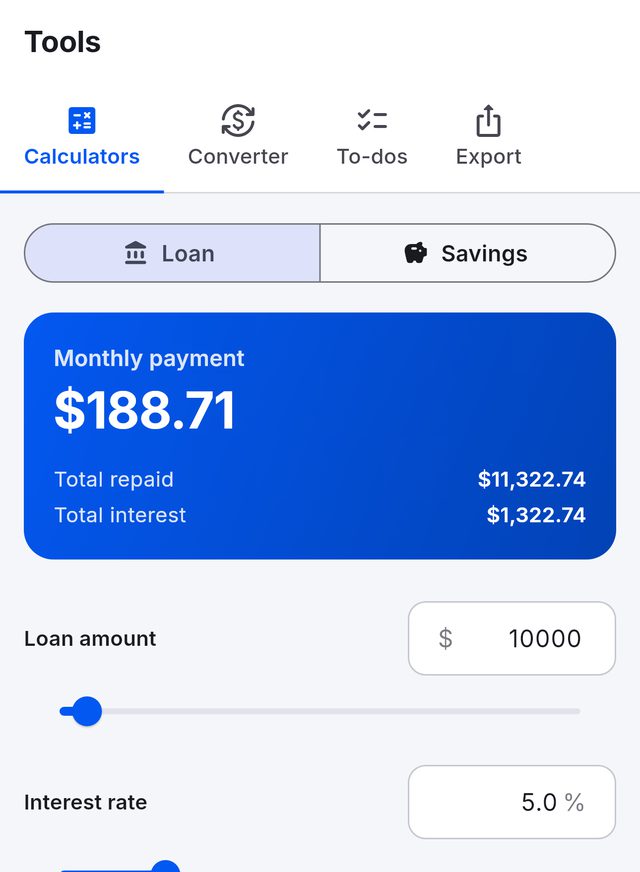
ToolsCalculators, converter, to-dos, export
Payverly is for the money your clients owe you; Payvora is for the money you spend. Both sign in with the same Payverly account — and each keeps its own records, in its own place.
Money in
 Payverly
Stored on Payverly's servers, so it follows you to every device.
Money out
PayvoraKept on your phone, not on our servers.
Deleting the account from either app deletes it for both. Payvora warns you before it does.
Yes. Every feature is free: there is no subscription, no paid tier and nothing to buy in the app. Payvora shows ads, which is how it stays free.
No. Tap Continue as guest and every feature works. Create a free account whenever you like — with email and a password, with Google, or with Sign in with Apple on iPhone and iPad — and nothing you have already recorded is lost.
Yes. Payvora signs in with your Payverly account, so if you already invoice with Payverly you can use the same sign-in. The apps keep separate records: your invoices stay in Payverly, your expenses stay in Payvora.
Your expenses, subscriptions, budgets and to-dos are stored on your device, not on our servers. Your account details and any support requests are kept by the Payverly account service. Signing in or out does not touch your records; only Clear all data or Delete account erases them.
No. Because your records live on the device, each phone or tablet keeps its own. To keep a copy, use Tools, then Export, to save your data as a CSV file.
No. You add expenses yourself. Payvora never links to bank accounts or cards and never moves money; the loan and savings calculators are for information only.
iPhone and iPad, from the App Store, and Android phones, from Google Play. There is no web version of Payvora.
In the app, go to Settings, then Delete account. Because Payverly and Payvora share one account, deleting it from either app deletes it for both, and Payvora also erases the records on that device. Without the app, follow Delete your account.
AVMDEVS LLC, the company behind Payverly. Email privacy@payverly.app, or use Help and support in the app. Read the Payvora privacy policy.
Free on iPhone, iPad and Android. No account needed to start.